YellowMiso and Smile Andy: two student webcam AI apps and how to build your own
· buildtolaunch
Two students at Vibe-a-thon Saigon built apps that use a webcam: one that encourages you when you frown, and one that unlocks a Mac with your face. This guide explains what each app does, how webcam AI apps work in general, the privacy questions you must answer, and how to build your own safely. More student builds are in the student project library (in Vietnamese).
Short answer
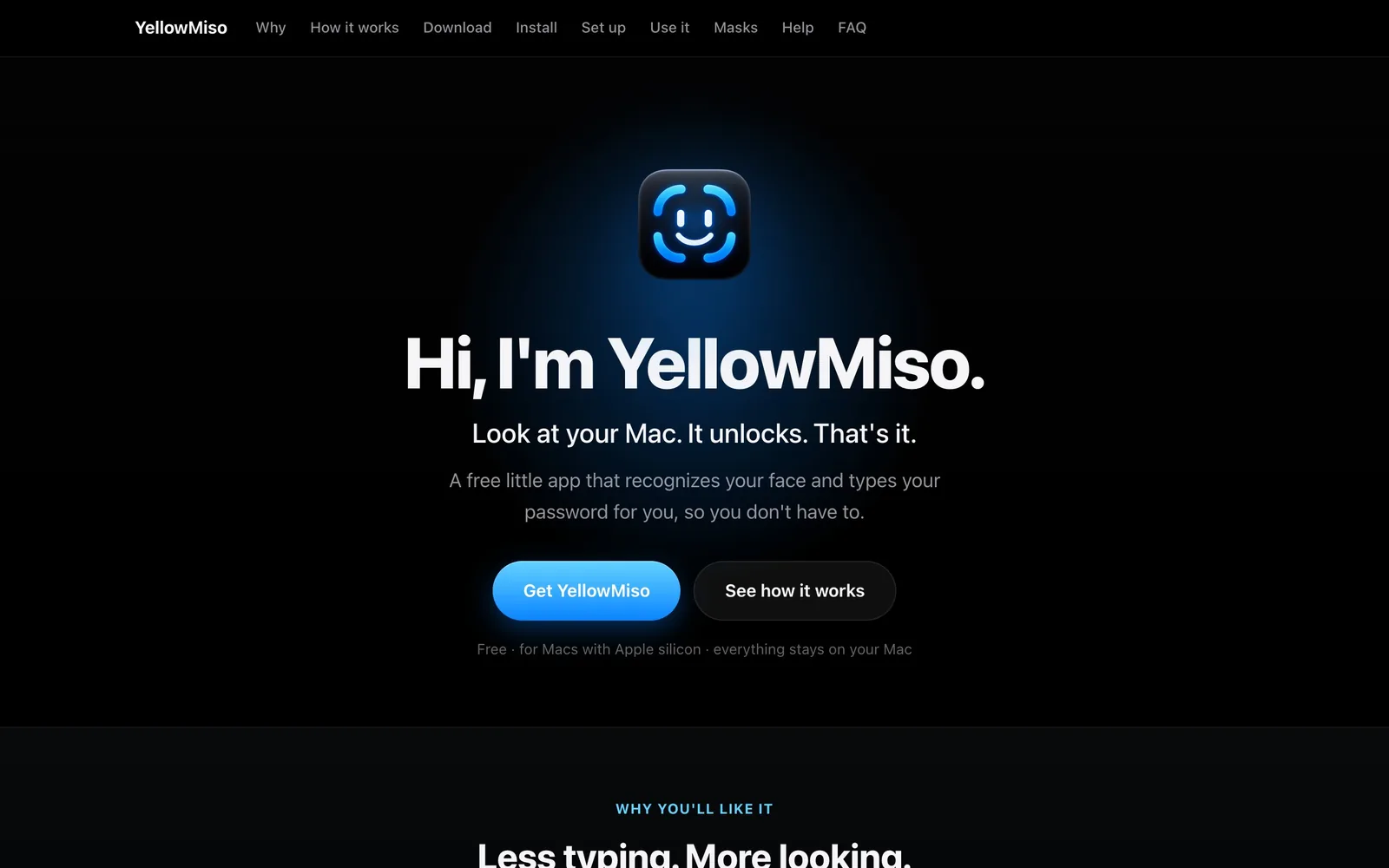
Smile Andy by Teddy Bui reads your face through a webcam and gives spoken encouragement when it detects a frown, and, according to the event recap, saves no data. YellowMiso by Choi Byeongmin unlocks a desk Mac by face recognition with a standard webcam, runs on the device and can recognise you in a mask. Both show what a student can build in an afternoon.
What each app does
YellowMiso by Choi Byeongmin, built in one afternoon at Vibe-a-thon Saigon.
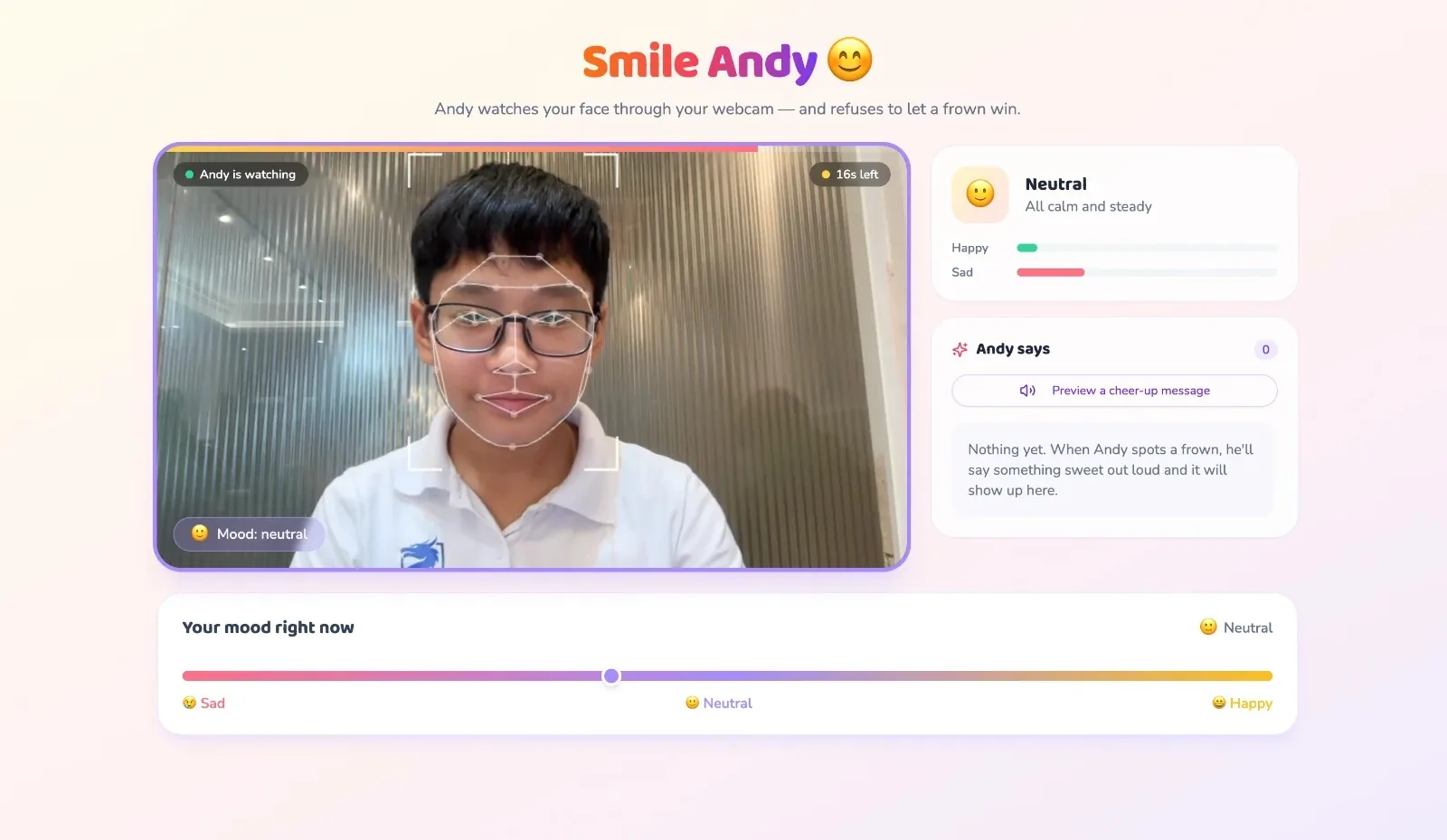
Smile Andy by Teddy Bui, built in one afternoon at Vibe-a-thon Saigon.
Both descriptions come from the public Vibe-a-thon Saigon recap (the event took place on 27 September 2026 at WORK X in Saigon).
| Smile Andy | YellowMiso | |
|---|---|---|
| Builder | Teddy Bui | Choi Byeongmin |
| What it does | Reads your expression through the webcam and says something encouraging when it sees a frown | Unlocks a desk Mac using face recognition with a standard webcam |
| Privacy claim in the recap | Saves no data | Runs on the device |
| Extra detail | Built for people who stare at screens for hours | Can recognise you wearing a mask |
| Try it | smile-andy.base44.app | yellowmiso.web.app |
Both are student projects, not products with independent security or privacy audits. Treat them as demos of what is possible.
How a webcam AI app works
You do not need to understand the maths. The pipeline has four steps.
- Ask for the camera. In a browser, the page calls the camera API,
getUserMedia. According to MDN, it works only in secure contexts (HTTPS,localhost), and the browser must ask the user's permission at least the first time. If the user says no, the request fails with a NotAllowedError, so your app needs a friendly message for that case. - Read each video frame. The app takes frames from the stream many times a second.
- Run a face model. A ready-made model finds the face and measures it. For example, Google's MediaPipe Face Landmarker runs in the browser through JavaScript and can optionally output facial-expression scores (52 per face in its sample output).
- Decide and respond. Your own rule turns the numbers into an action: say a kind sentence, show a message, or start another step.
Because the model can run in the browser, the video does not have to leave the user's device. That is a design choice, so you have to build it that way and say so.
What to build first: a small, safe webcam app
Pick the expression or presence side, not identity. It is easier and lower risk.
- Posture or screen-break nudge: reminds you to look away after 30 minutes.
- Focus timer that notices when you leave the desk.
- Mood check-in: you choose your mood by tapping, and the webcam is optional.
- Encouragement app: like Smile Andy, but for exam week.
Avoid starting with face recognition for security. It is harder to get right, and a failure can lock out a user or let the wrong person in.
A starter prompt
Build a web app that asks permission to use my camera, detects my face in the browser, and shows a friendly message when it sees I have been frowning for 10 seconds. Process the video only on my device and do not save or upload any image. Show a clear "camera is on" indicator and a stop button. One screen, mobile first. Done when I can start the camera, frown at it and see the message, then press stop and see the camera turn off.
Test with a few friends, in different lighting and with and without glasses, and ask what felt creepy. Their answer tells you where to improve the wording and the controls.
Privacy and consent checklist
A face is personal data, and in many places it counts as especially sensitive. Vietnam's Law on Personal Data Protection took effect on 1 January 2026, according to Rajah & Tann Asia, and consent is the main basis for processing personal data. The same source notes that the law sets security duties for entities that collect biometric data.
For a student project, apply these habits:
- Say what you do in one plain sentence on the first screen: "Your camera is used on this device to detect a frown. Nothing is saved or sent."
- Make it opt-in and easy to stop.
- Do not store images, templates or face data unless you truly need to, and then tell the user and secure them.
- Be careful with minors. Do not build for them without a parent or teacher involved.
- Do not claim more than you have tested. "On-device" is a promise; check your app does not send data anywhere.
This is general information, not legal advice. If you plan to launch a product that handles faces, check the official rules or ask an adviser.
Build with other students
buildtolaunch is a free community for university students across Vietnam and Southeast Asia, about 300 people strong, with no paid tier and no coding needed to start. Learn the tools in the free course library, practise in the AI tutor, build in a Space with an AI teammate and share your work on the Launch League, which resets every Monday. For more ideas of this kind, see companion app ideas and the starter prompt library.
Create a free profile and post your first launch.
Read the full guide: the student project library.
FAQ
What is Smile Andy?
Smile Andy is a web app by Teddy Bui, built at Vibe-a-thon Saigon. According to the event recap, it reads your face through a webcam and offers spoken encouragement when it detects a frown, and it saves no data.
What is YellowMiso?
YellowMiso is an app by Choi Byeongmin, built at Vibe-a-thon Saigon. According to the recap, it unlocks a desk Mac by face recognition using a standard webcam, runs on the device and can recognise you when you wear a mask. Treat it as a student demo, not a certified security tool.
Can I build a webcam AI app without coding?
Yes, for simple apps. AI builders can write the code from your description, and browser libraries such as MediaPipe handle the face detection. You still need to test the camera permission, the privacy wording and what happens when the user refuses access.
Do webcam AI apps send my video to a server?
Not necessarily. Face models can run directly in the browser, so frames stay on the device. But it depends on how each app is built, so a builder should check and state clearly what is sent and saved, and users should read that before allowing the camera.
Is it legal to build an app that uses faces?
It depends on what you collect and where. Vietnam's personal data law has applied since 1 January 2026 and puts weight on consent and security for personal data, including biometric data. For a class project that processes video only on the device, be transparent and keep it opt-in. For a real launch, check the official rules or ask an adviser.
What is a good first webcam app for a student?
Start with something that does not identify anyone: a break reminder, a focus timer or an encouragement app. These use the camera for presence or expression only, are easier to test, and carry less risk than face recognition for security.